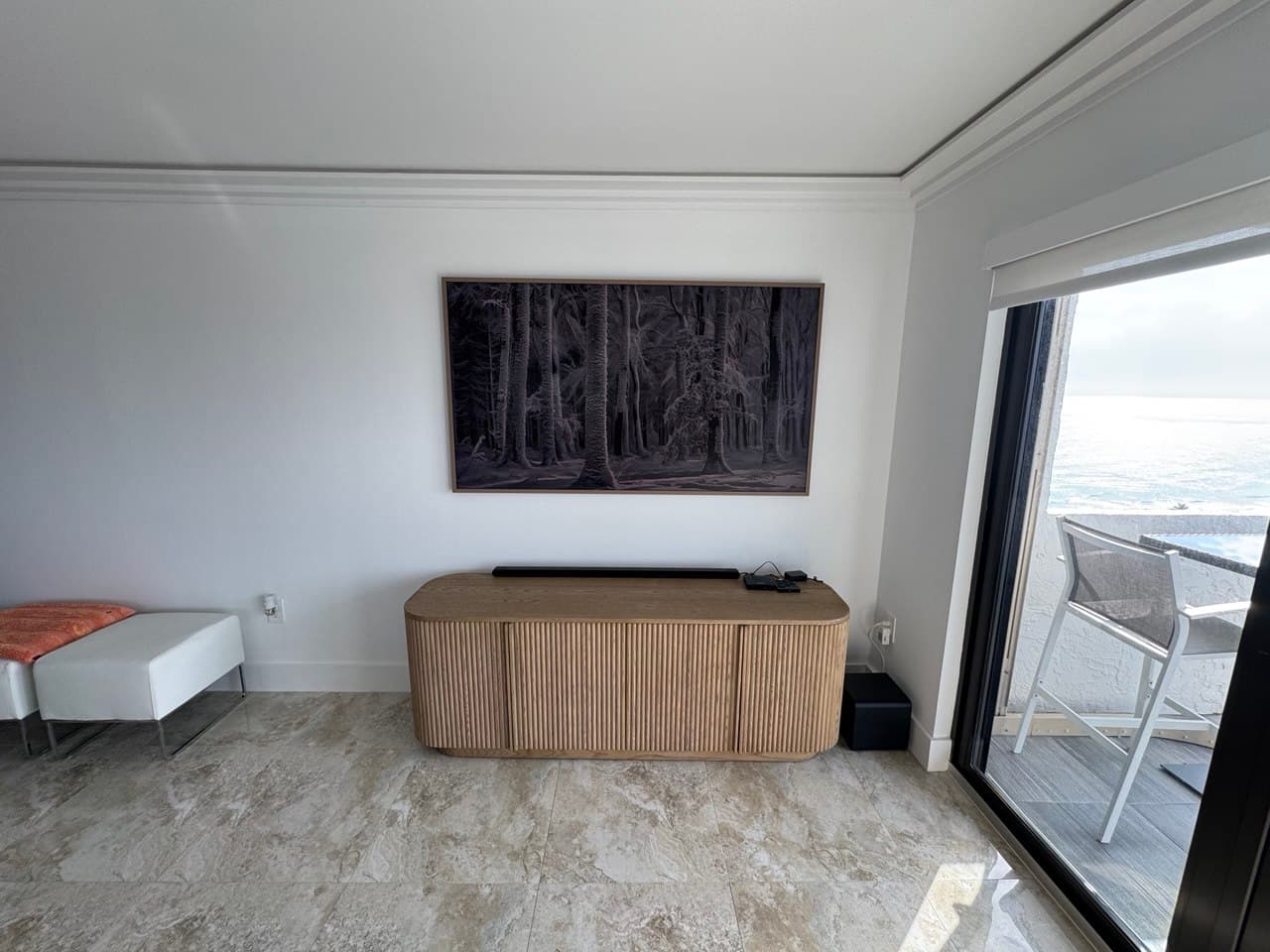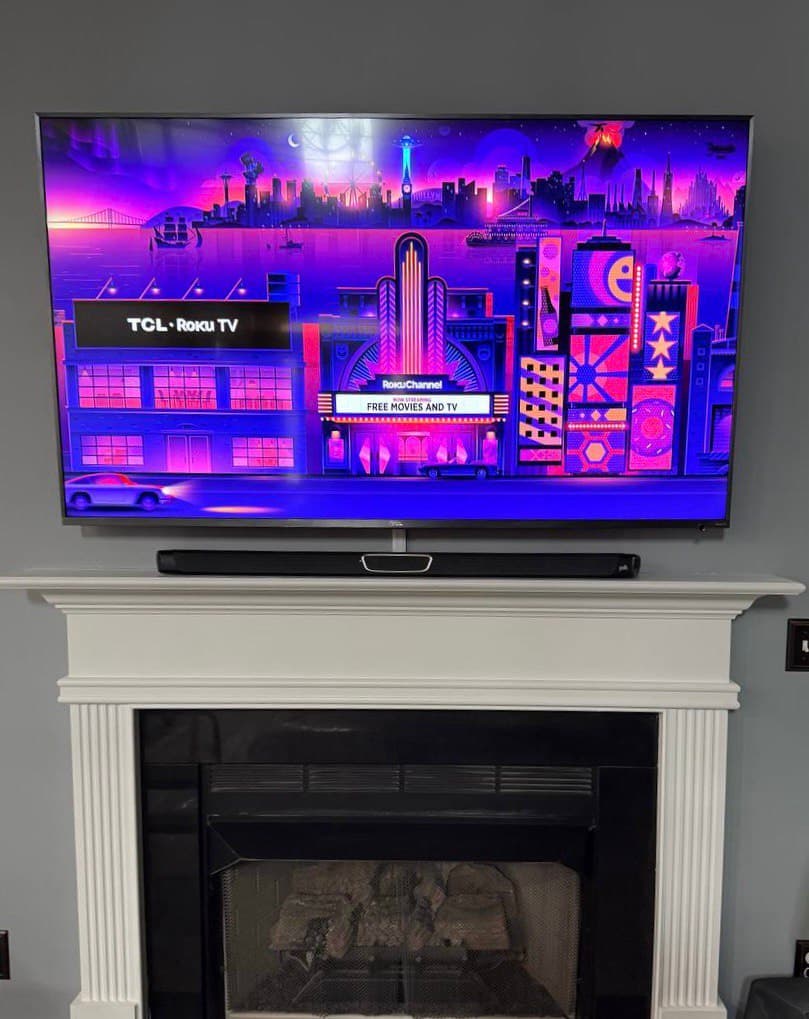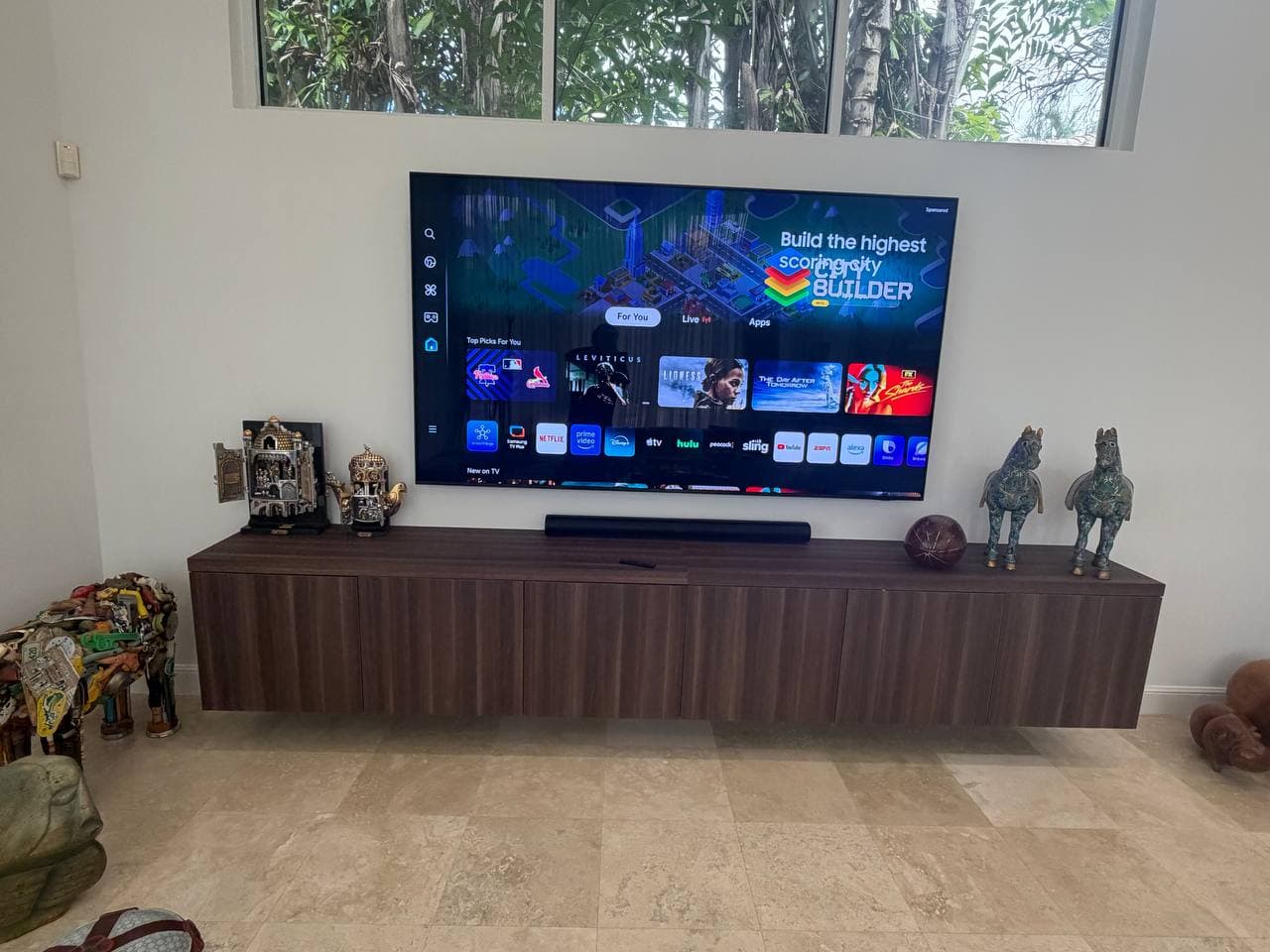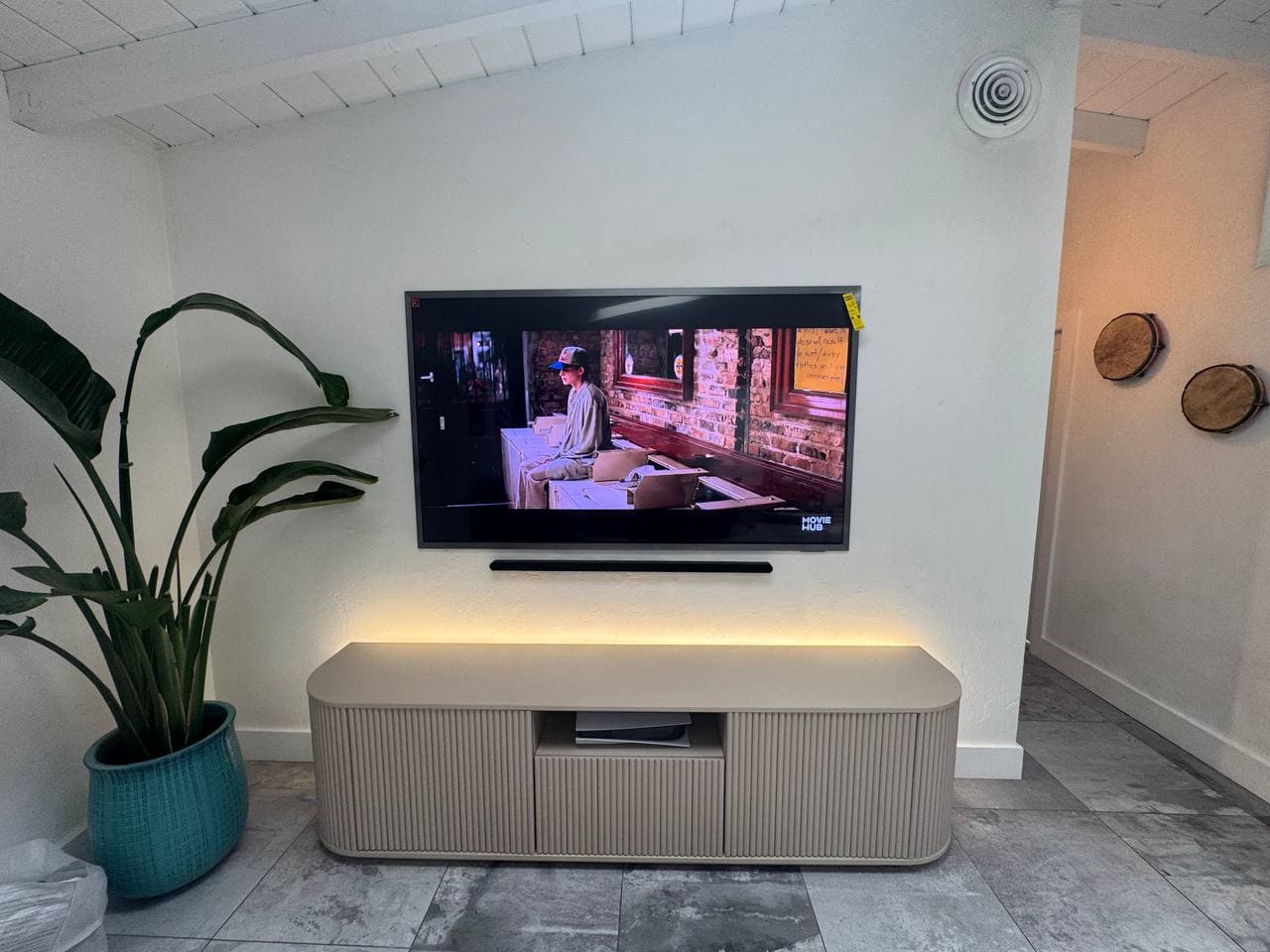
This Fort Lauderdale, FL install paired a 77-inch TV with a wall-mounted soundbar directly beneath it — full in-wall cable concealment for both, not just the TV.
Two devices means two cable paths, not one
A TV-only install has one cable bundle to hide: power and whatever video/streaming connections the TV itself needs. Add a soundbar mounted flush to the wall and there's a second device drawing its own power, plus an audio connection running back up to the TV — typically HDMI ARC or eARC, so the soundbar can pull sound straight from whatever's playing without a separate source box. Concealing both cleanly means planning two paths through the same wall cavity, not stretching one plan to cover twice the hardware. We map both runs before drilling — where the TV's cable exits, where the soundbar's exits, and whether they can share a channel or need to stay separate — rather than improvising the second path after the first one's already committed.
Placing a soundbar flush under a 77-inch TV isn't just centering it
A soundbar mounted directly to the wall below a TV this size has to clear a few things a shelf-mounted soundbar doesn't worry about: the TV's own IR receiver and any front-facing sensors, which a soundbar sitting too high can physically block, and a height that keeps the driver array close enough to ear level to still sound right, not just visually centered under the screen. Getting the gap right — enough to keep the TV's sensors clear, tight enough that it still reads as one unit — is a measurement we take against the specific TV model, not a fixed number that works for every setup.
The result: a 77-inch TV and its soundbar both mounted flush to the wall, both fully wired through it, with nothing hanging between the screen and the console below.
Mounting a TV and a soundbar together in Fort Lauderdale or anywhere in South Florida? Hero TV Mount plans the cable path for both, not just one — call or text (754) 340-1000 to schedule.